Within a given project one needs to define the entities to be mapped.
To do this, open the Entities pop-up dialogue box of the Project Window by pressing the +ADD ENTITY button, or by pressing the edit button next to an existing entity. This will open a new popup dialogue box with the below tabs:
Note that as of Shape Shifter Version: 2.6.0,
if a project’s metadata includes a target model, there will also be a drop down menu which will suggest entities that have not yet been defined that are required by that model. If you choose one of these, the new entity will come pre-filled in with the minimum required information, and correct spelling of the entity name.
- 2.1.1 Basic Tab
- 2.1.2 Foreign Keys Tab
- 2.1.3 Filters Tab
- 2.1.4 Unnest Tab
- 2.1.5 Append Tab
- 2.1.6 Extra Columns Tab
- 2.1.7 YAML Tab
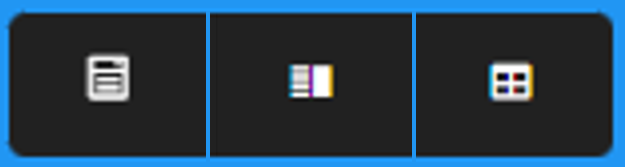
In the upper right corner of the Entities window there are three buttons that control the form of the Entities Pop-up Dialogue box:
- The left hand button, Form Only, opens only dialogue box form of the window
- The middle button, Split View, opens the window with the dialogue form of the window on the left side, and, on the right side, a preview of the data as described in the form
- The right-hand button, Preview Only, opens only the preview of the data as described in the form
Next: 2.1.1 Basic Tab