Within a given project one needs to define the entities to be mapped.
To do this, open the Entities pop-up dialogue box of the Project Window by pressing the +ADD ENTITY button, or by pressing the edit button next to an existing entity. This will open a new popup dialogue box with the below tabs:
- 2.1.1 Basic Tab
- 2.1.2 Foreign Keys Tab
- 2.1.3 Filters Tab
- 2.1.4 Unnest Tab
- 2.1.5 Append Tab
- 2.1.6 Extra Columns Tab
- 2.1.7 YAML Tab
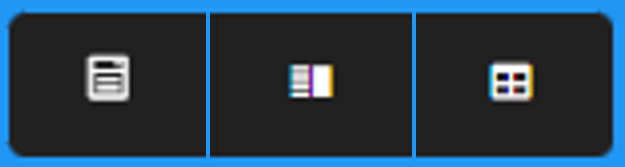
In the upper right corner of the Entities window there are three buttons that control the form of the Entities Pop-up Dialogue box:
- The left hand button, Form Only, opens only dialogue box form of the window
- The middle button, Split View, opens the window with the dialogue form of the window on the left side, and, on the right side, a preview of the data as described in the form
- The right-hand button, Preview Only, opens only the preview of the data as described in the form
Next: 2.1.1 Basic Tab