This is the window in which one can look at the information contained in a data set. This is extremely helpful to when defining its entities in 2.1 Entities Pop-up Dialogue box
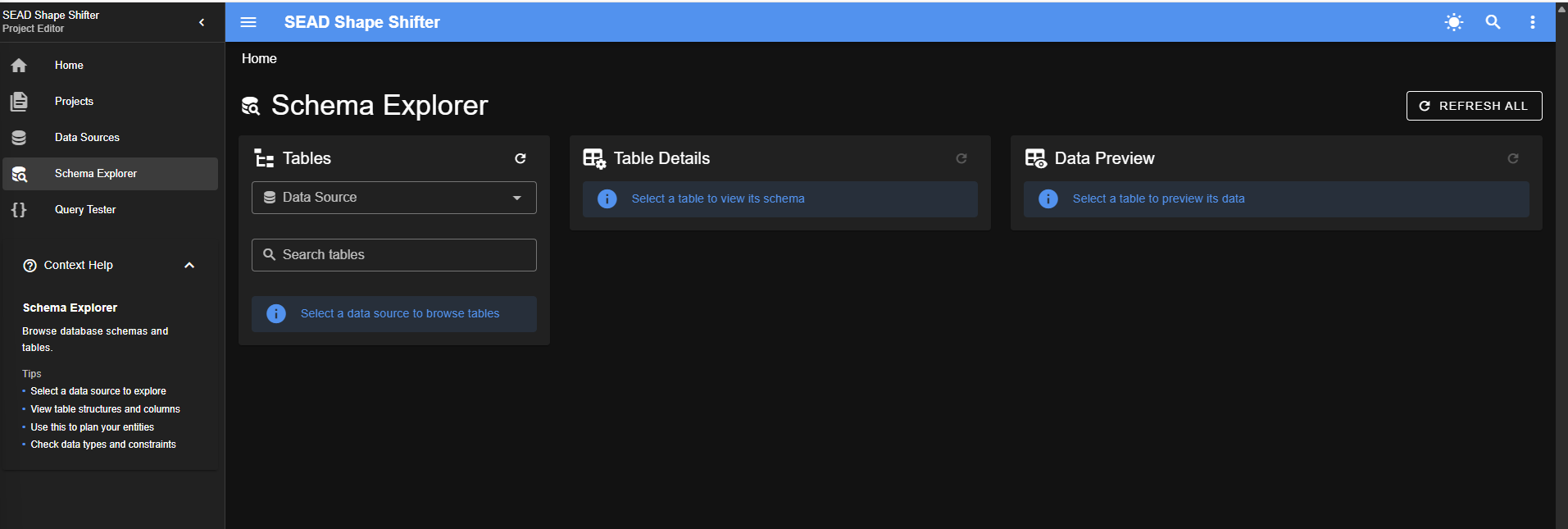
It has three sections:
- on 2026-03-17 the middle section was missing, but I was on a bus, check to see if it is gone from a larger monitor, too, and if so, edit this.
Tables
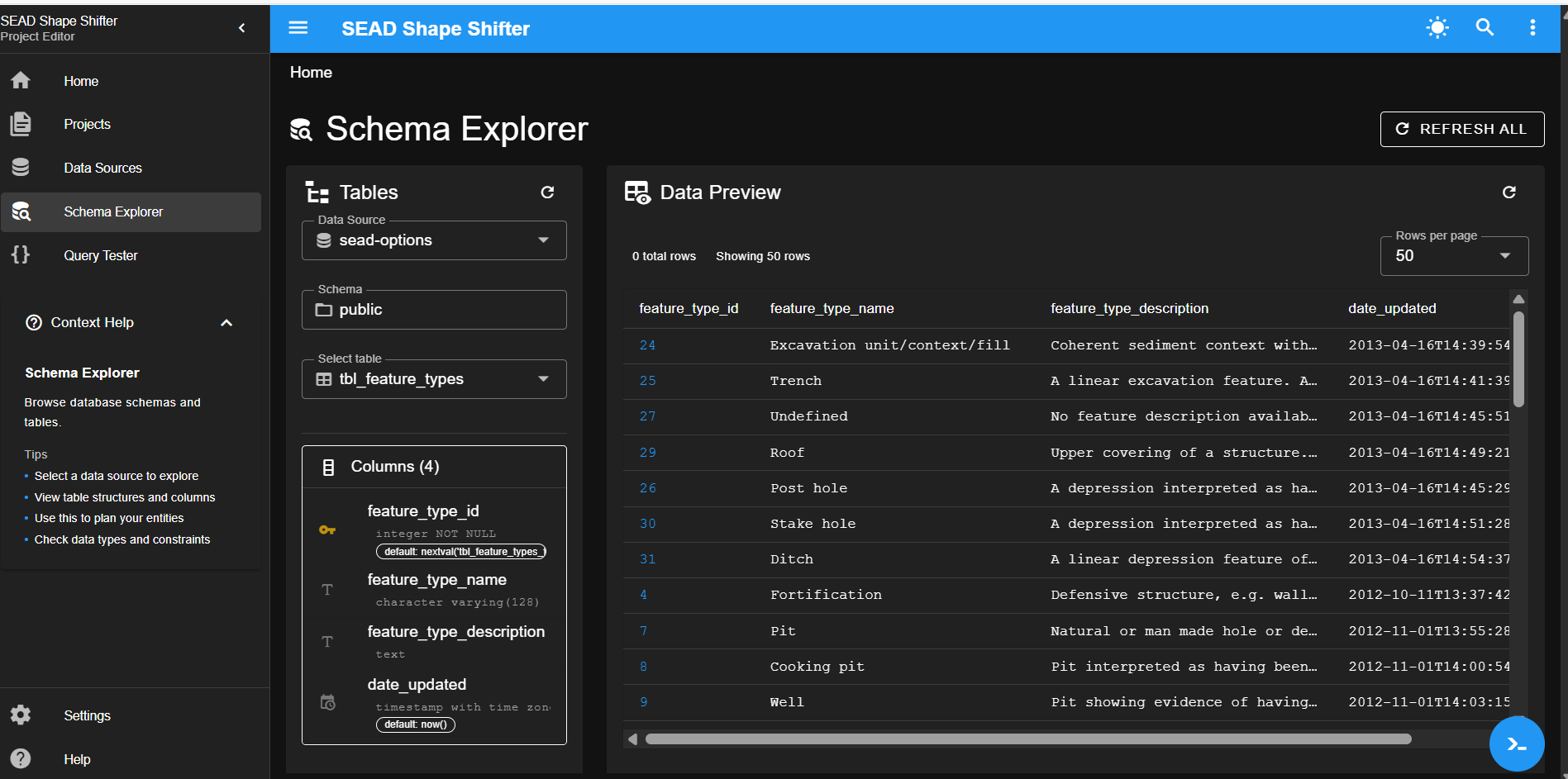
In this window you select a Data Source from the drop down menu to open the list of tables in that data set. After selecting a data source you select a table within that source by clicking on it (or use the Search Tables box). Then press either “REFRESH ALL” on the upper right side of the screen, to open information from that table in the other two sections. (Alternatively, press just the refresh button within a section to open the information only for that section of the screen)
If there are no data sources showing in the drop down menu, go to the Data Sources window and select one and then return to this window
Table Details
After you have chosen a Table from the list of tables (and refreshed the page) you can see details about that table here. This is particularly useful to see the contents of a “Lookup Table” to determine which types of data in the incoming dataset are already present in SEAD.
Data Preview
While the first two options are concerned with the data’s Metadata, this window shows the actual data that is associated with the selected Table.
Next: 5. Query Tester Window